
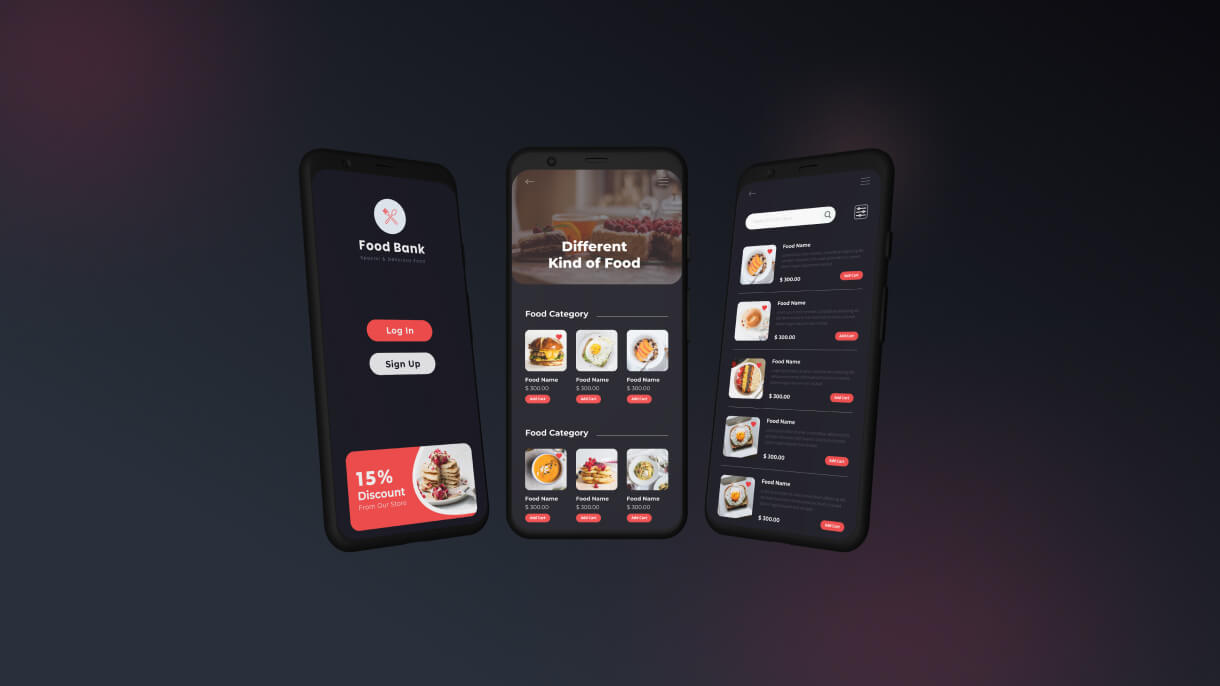
Stock Management System HTML Template
- Date 2017
- Services Stock Management System
That’s a significant accomplishment! Developing a stock management system and then converting it to PHP involves careful planning and execution. Here’s a comprehensive guide to showcase the features, quality assurance, and deployment considerations for your stock management system.
Key Features of a Stock Management System
- Inventory Management:
- Product Listings: Detailed product information including name, description, SKU, category, and price.
- Stock Levels: Real-time tracking of stock levels, low stock alerts, and out-of-stock notifications.
- Batch Management: Handling batches or lots with expiry dates and batch numbers.
- Purchasing Management:
- Purchase Orders: Creation and management of purchase orders.
- Supplier Management: Detailed records of suppliers and their contact information.
- Receivables: Tracking received goods and updating inventory levels.
- Sales Management:
- Sales Orders: Processing sales orders and updating inventory accordingly.
- Customer Management: Detailed customer information and order history.
- Invoicing: Generating and managing invoices.
- Reporting and Analytics:
- Inventory Reports: Stock levels, valuation, and turnover rates.
- Sales Reports: Sales performance, revenue, and customer purchasing trends.
- Purchase Reports: Purchase history, supplier performance, and expenditure.
- User Management:
- Role-Based Access: Different access levels for administrators, managers, and staff.
- User Profiles: Detailed user profiles and activity logs.
- Alerts and Notifications:
- Low Stock Alerts: Notifications for low stock items.
- Expiry Alerts: Alerts for products nearing expiry dates.
- Order Alerts: Notifications for new orders and order status updates.
Technologies Used
- Frontend:
- HTML/CSS/CSS3: Structure and styling of the system.
- JavaScript: Interactivity and dynamic content.
- jQuery: Simplified JavaScript for DOM manipulation and AJAX requests.
- Bootstrap: Responsive design and layout.
- FontAwesome: Icons for UI elements.
- Backend:
- PHP: Server-side scripting for handling business logic and database interactions.
- MySQL: Database management for storing and retrieving data.
- Apache/Nginx: Web server to host the application.
Quality Assurance
- Clean and Maintainable Code:
- Follow coding standards and best practices.
- Use comments and documentation for clarity.
- Responsive Design:
- Ensure the system is accessible on various devices (desktops, tablets, smartphones).
- Test across multiple browsers for compatibility.
- Performance Optimization:
- Optimize images, CSS, and JavaScript for faster loading times.
- Use lazy loading for non-critical resources.
- Security:
- Implement SSL for data encryption.
- Use secure authentication and authorization mechanisms.
- Protect against common vulnerabilities like SQL injection and XSS.
- User Experience (UX):
- Ensure a user-friendly and intuitive interface.
- Use feedback and testing to improve usability.
Deployment and Maintenance
- Hosting:
- Choose a reliable hosting provider.
- Ensure the server can handle the expected load and traffic.
- Version Control:
- Use version control systems like Git for managing code changes.
- Regularly update and maintain the codebase.
- Backup and Recovery:
- Implement regular backups of the database and system files.
- Plan for disaster recovery and data restoration.
- Support and Updates:
- Provide ongoing support and maintenance.
- Regularly update the system to fix bugs and add new features.
Marketing and Distribution
- Documentation:
- Provide comprehensive user manuals and technical documentation.
- Include installation guides and FAQs.
- Demos and Tutorials:
- Offer live demos or video tutorials to showcase the system’s features.
- Provide step-by-step guides for common tasks.
- SEO and Online Presence:
- Optimize the system’s website for search engines.
- Use social media and online forums to promote the system.
- Feedback and Improvement:
- Collect feedback from users to identify areas for improvement.
- Regularly update the system based on user feedback and technological advancements.
Example Template Sections
- Dashboard:
- Overview of stock levels, recent orders, and critical alerts.
- Key performance indicators (KPIs) and quick access to essential functions.
- Inventory Management:
- List of all products with stock levels, batch details, and actions.
- Filters and search functionality for easy navigation.
- Sales and Purchase Management:
- Detailed forms for creating and managing sales and purchase orders.
- Lists and statuses of all orders with options to view, edit, or delete.
- Reporting Section:
- Generate various reports with options to export in multiple formats (PDF, Excel, etc.).
- Visualizations and charts for data analysis.
- User Management:
- Manage user roles, permissions, and profiles.
- Activity logs and audit trails.
By focusing on these elements, your stock management system will be robust, user-friendly, and efficient, making it an attractive solution for businesses looking to manage their inventory effectively. This approach will help your client successfully market and deploy the system.