
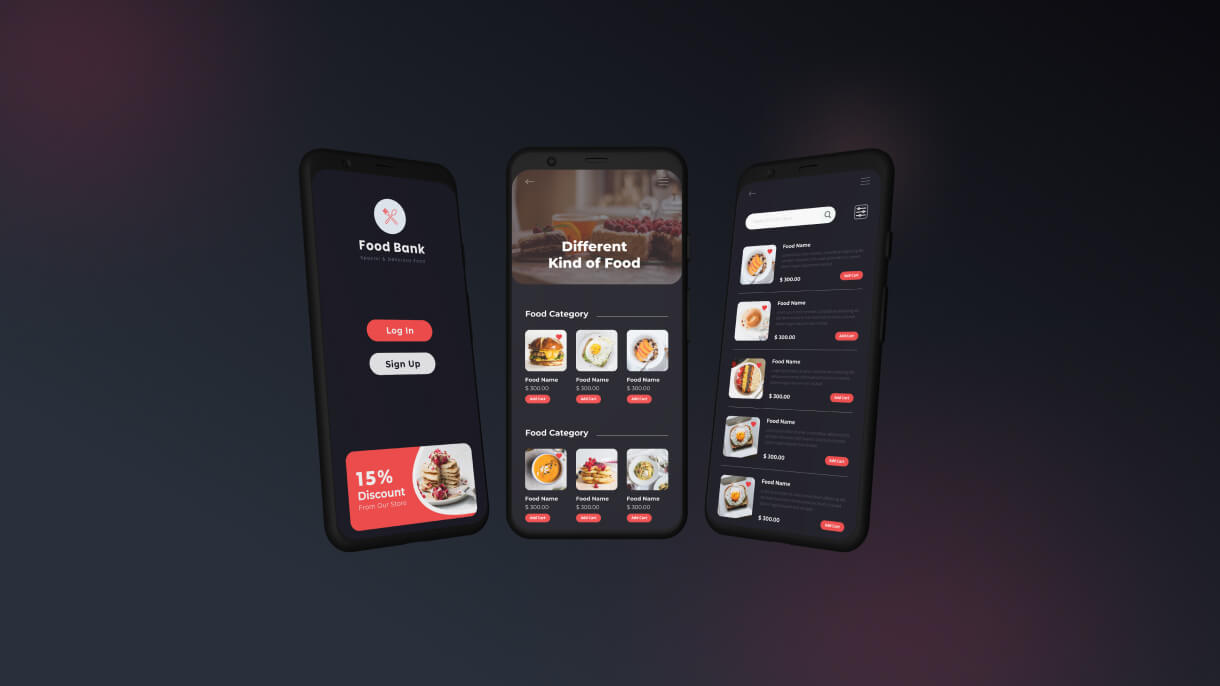
Recipe HTML Template and WordPress Plugin
That’s wonderful! Creating a recipe HTML template involves focusing on aesthetics, functionality, and user experience to ensure it stands out in the market. Here’s a detailed guide to help you deliver a high-quality recipe HTML template:
Key Features for a Recipe HTML Template
Responsive Design:
-
- Ensure the template is fully responsive, providing a seamless experience on mobile, tablet, and desktop devices.
- Test the template on various browsers to ensure compatibility.
User-Friendly Navigation:
-
- Implement a clear and intuitive navigation menu.
- Include a search bar with filters for ingredients, cuisine type, preparation time, difficulty level, etc.
Recipe Listings:
-
- Design a clean and attractive layout for recipe listings.
- Include essential details such as recipe name, thumbnail image, rating, preparation time, and a short description.
Recipe Detail Pages:
-
- Create detailed pages for each recipe, featuring step-by-step instructions, ingredients, cooking time, and nutritional information.
- Incorporate high-quality images and videos to enhance the user experience.
Print and Save Options:
-
- Allow users to easily print recipes or save them to their accounts for future reference.
- Provide options to share recipes on social media platforms.
User Reviews and Ratings:
-
- Implement a system for users to leave reviews and rate recipes.
- Display user reviews and ratings prominently on the recipe detail pages.
Categories and Tags:
-
- Organize recipes into categories (e.g., breakfast, lunch, dinner, desserts) and tags (e.g., vegetarian, gluten-free, quick meals).
- Make it easy for users to browse and discover new recipes.
Ingredient-Based Search:
-
- Include a feature for users to search recipes based on available ingredients.
- Suggest recipes based on common or leftover ingredients.
Blog and Articles Section:
-
- Provide a section for blog posts, cooking tips, and culinary articles.
- Ensure easy management and updating of content.
User Accounts and Dashboards:
-
- Allow users to create accounts, save favorite recipes, and manage their profile.
- Include a dashboard for users to view their saved recipes and contributions.
Quality Assurance
Clean and Well-Documented Code:
-
- Write clean, modular, and well-documented HTML, CSS, and JavaScript.
- Use best practices for coding, ensuring maintainability and ease of updates.
SEO Optimization:
-
- Use semantic HTML tags to enhance SEO.
- Optimize images, scripts, and stylesheets for faster loading times.
Performance Optimization:
-
- Minimize and compress CSS, JavaScript, and images.
- Implement lazy loading for images and other heavy resources to improve page speed.
Accessibility Compliance:
-
- Ensure the template is accessible to users with disabilities by following WCAG guidelines.
- Include features like keyboard navigation and screen reader support.
Documentation and Support
Comprehensive Documentation:
-
- Provide detailed documentation to help users set up and customize the template.
- Include instructions on installation, customization, and troubleshooting.
Customer Support:
-
- Offer support channels such as email, forums, or a dedicated support portal.
- Be responsive to user inquiries and provide timely assistance.
Marketing and Distribution
ThemeForest Submission:
-
- Ensure the template meets all of ThemeForest’s submission requirements, including quality, documentation, and support standards.
- Review ThemeForest’s guidelines carefully to avoid common pitfalls.
Promotion on SolverWP:
-
- Feature the template prominently on SolverWP with detailed descriptions, high-quality screenshots, and feature lists.
- Use SEO best practices to attract organic traffic to the listing.
Social Media and Email Campaigns:
-
- Promote the template through social media channels and targeted email campaigns.
- Highlight the unique features and benefits to attract potential buyers.
Example Template Sections
Homepage:
-
- Hero section with featured recipes and a search bar.
- Popular and latest recipes sections.
- Links to categories and special collections (e.g., holiday recipes).
Recipe Listings Page:
-
- Grid or list view of recipes with filters and sorting options.
- Pagination for easy navigation.
Recipe Detail Page:
-
- Detailed recipe information with images and step-by-step instructions.
- User reviews and ratings.
- Related recipes section to encourage further exploration.
Blog and Articles Page:
-
- List of blog posts with images and excerpts.
- Categories and tags for easy browsing.
User Dashboard:
-
- User profile management.
- Saved recipes and contributions.
- Account settings.
By focusing on these elements, your recipe HTML template will be visually appealing, highly functional, and user-friendly, making it an attractive option for potential buyers on both ThemeForest and SolverWP.